

Your list grows. Your email bill grows faster.
That's how most newsletter platforms work. Go from 1,000 to 20,000 subscribers and you can end up paying hundreds of dollars a month, just to send emails.
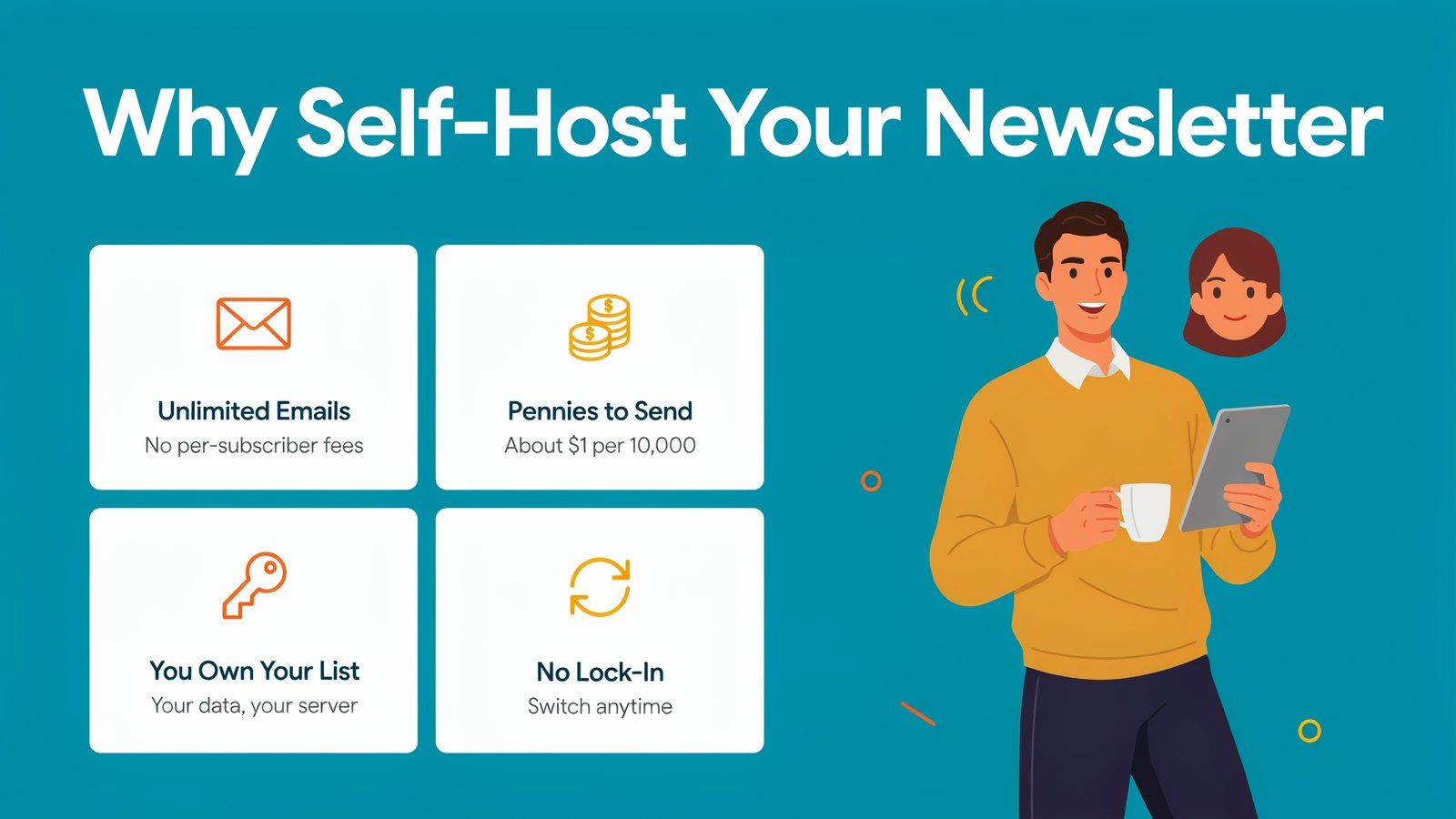
Self-hosted platforms flip that around. You run the software on your own server, connect a sending service like Amazon SES, and send for pennies.
Here are the 11 best self-hosted newsletter platforms in 2026, with real prices, a demo for each one, and honest pros and cons.
The Quick Version
Short on time? Here's every platform side by side. Prices were checked on each official site in October 2026.
| # | Platform | Price | Open source | Best for |
|---|---|---|---|---|
| 1 | Sendster | $6.99/mo or $67/yr | No | AI writing, verification and easy setup |
| 2 | Sendy | $69 one time | No | Simple, no-frills sending with Amazon SES |
| 3 | MailWizz | $59/yr or $79 lifetime | No | Power users and big lists |
| 4 | Acelle Mail | $80 one time | No | Automations and a drag-and-drop builder |
| 5 | Mumara Campaigns | From $7/mo | No | High-volume senders who want add-ons |
| 6 | Mautic | Free | Yes | Full marketing automation |
| 7 | listmonk | Free | Yes | Speed and huge lists on a tiny server |
| 8 | Keila | Free | Yes | A clean, simple newsletter app |
| 9 | Notifuse | Free to start | Yes | Newsletters plus transactional emails |
| 10 | BillionMail | Free | Yes | Running your own mail server too |
| 11 | Ghost | Free | Yes | A blog and newsletter in one |
Now let's look at each one.
What Is a Self-Hosted Newsletter Platform?
It's newsletter software that you install on your own website or server, instead of renting it from a company like Mailchimp.
You still get the things you'd expect. Signup forms, lists, campaigns, autoresponders and reports. The difference is where it lives and how you pay.
With a hosted platform, you pay by the number of subscribers. With a self-hosted one, you pay for the software, which is often a small one-time or yearly fee, and then you pay a sending service for each email. Amazon SES, for example, charges about $1 for every 10,000 emails.
So a list of 20,000 people getting a weekly newsletter costs about $8 a month to send. On many hosted platforms, the same list costs well over $100.
Why More People Are Self-Hosting in 2026
- Huge savings. Sending costs stay tiny as your list grows.
- You own your list. Your subscribers live in your database, not someone else's.
- No sudden rule changes. Nobody can suspend your account or raise your price overnight.
- Easier than ever. One-click installers, Docker and simple setup wizards mean you don't need to be a developer.
- AI built in. Newer tools help you write subject lines and whole emails in seconds.
The trade-off is a little setup at the start. After that, most of these tools work just like the big platforms.
How to Choose a Self-Hosted Platform
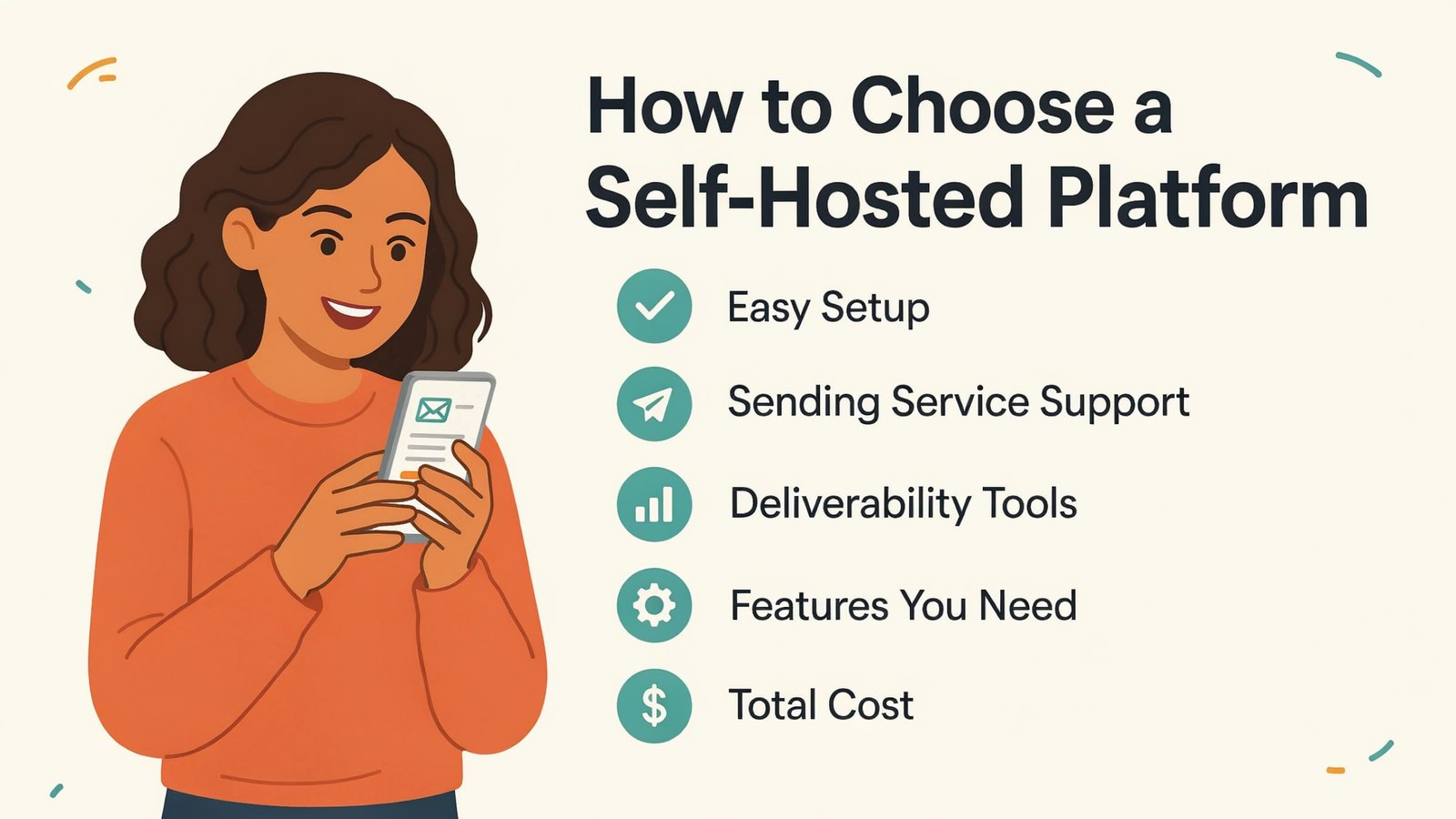
Before you pick, think about five things.
- Easy setup. Can you install it on regular web hosting, or does it need a server and Docker?
- Sending service support. Make sure it works with Amazon SES and the SMTP services you like.
- Deliverability tools. Bounce handling, list cleaning and email verification keep you out of spam.
- Features you need. Automations, segments, templates and AI writing.
- Total cost. Add up the license, hosting and sending, not just the sticker price.
Keep those in mind as you read the list.
1. Sendster
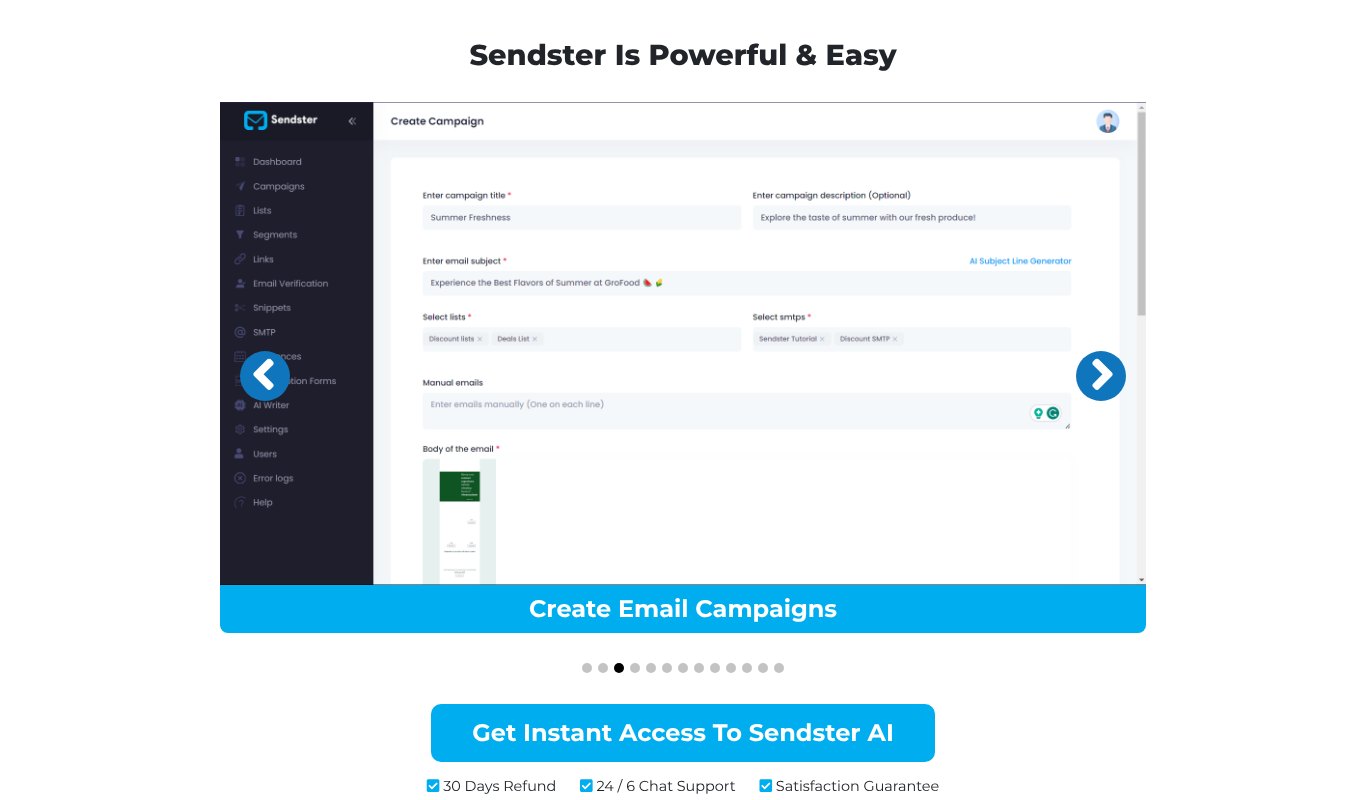
Sendster is our own self-hosted newsletter and email marketing app. It gives you the savings of Sendy, with the modern tools of the big platforms.
You install it on your own website, connect Amazon SES or any SMTP, and send as many emails as you like. Small lists can even start with Gmail or Google Workspace, and very big ones can use PowerMTA.
- AI email writer for subject lines, headlines and complete emails.
- Drag-and-drop designer with dozens of ready-made templates.
- Built-in email verification that removes bad addresses and spam traps as they come in.
- Deliverability tools like SMTP rotation, unique links and content spinning to help you reach the inbox.
- Automations with sequences, tags, webhooks and Zapier.
- Lead forms, list management and analytics in one dashboard.
Pricing
$6.99 a month, or $67 for a whole year, for one site and up to 5,000 subscribers. Pro is $9.99 a month for unlimited subscribers on 5 sites, and Pro Max is $12.99 for 30 sites. Every plan has a 30-day refund guarantee.
Pros
- AI writer and email verification built in, with no add-ons to buy
- Unlimited emails and campaigns
- Works with Amazon SES, any SMTP or Gmail
- Lowest total cost for most small businesses
Cons
- The entry plan has a 5,000 subscriber limit
- You need your own website to install it
2. Sendy
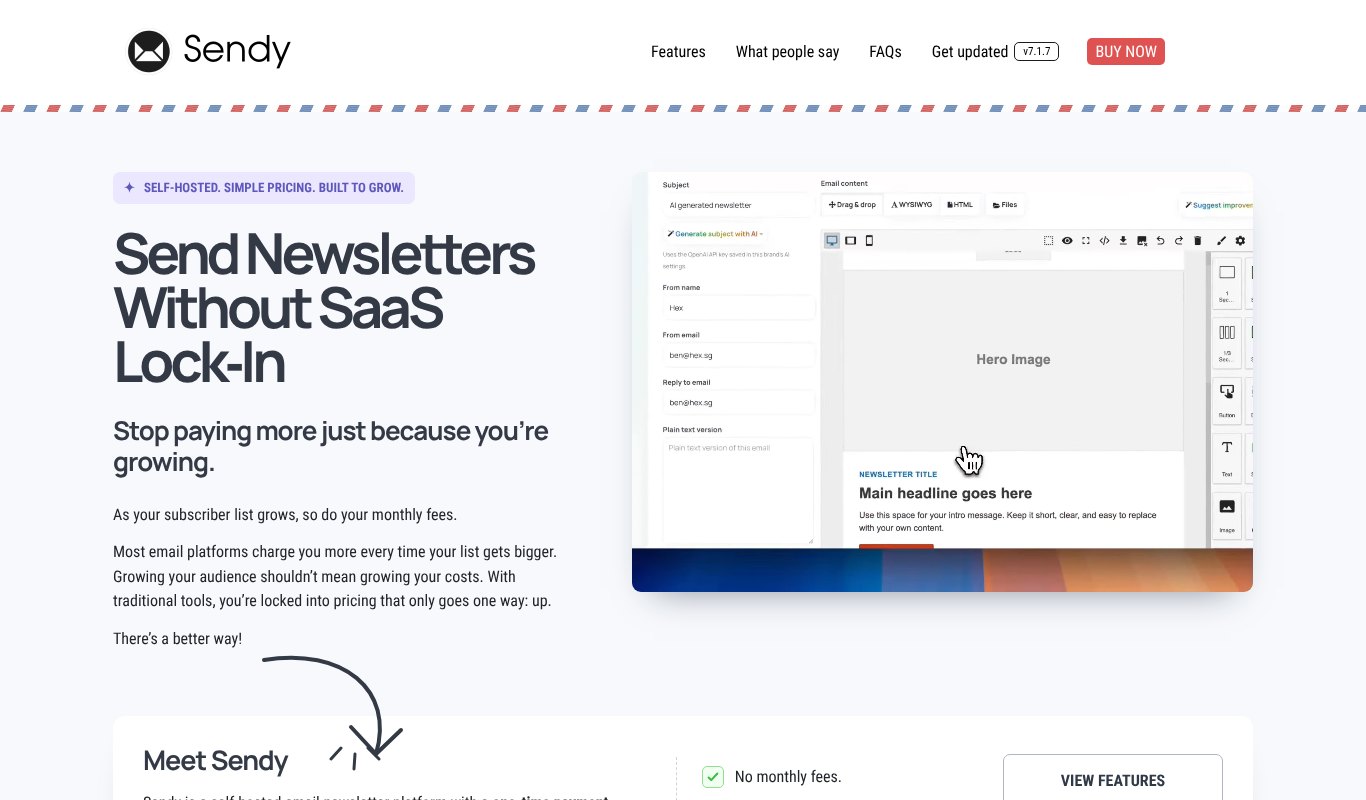
Sendy is the app that made self-hosted newsletters popular.
You buy it once, install it on your own hosting and send through Amazon SES. It covers lists, campaigns, autoresponders, segments and clean reports, and you can manage several brands from one install.
Pricing
$69 one time for the app. The AI Assistant add-on is $39 extra, and installation help costs $79.
Pros
- One-time price
- Simple and reliable
- Large user community
Cons
- Basic email designer
- No built-in email verification
- AI writing costs extra
3. MailWizz
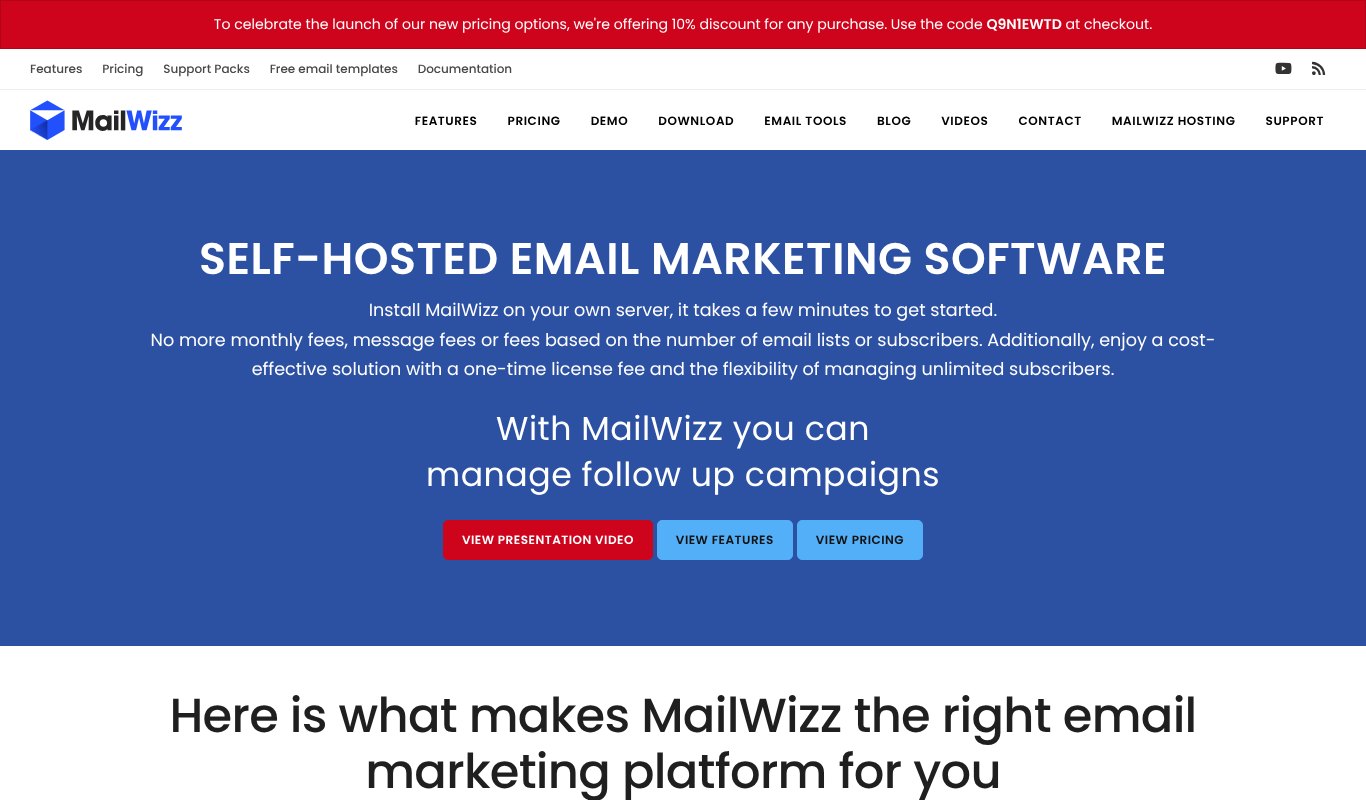
MailWizz is a powerful self-hosted platform built for serious senders.
It handles huge lists, many delivery servers, bounce processing and detailed segments. It has autoresponders, campaign templates and lots of extensions, and agencies like that it can serve several customers from one install.
Pricing
$59 a year for a Regular license, or $79 one time for a lifetime license. Extended licenses for running it as a paid service start at $219 a year.
Pros
- Very powerful
- Handles big lists and many servers
- Lifetime license option
Cons
- Steeper learning curve
- Interface feels dated
- No refunds
4. Acelle Mail
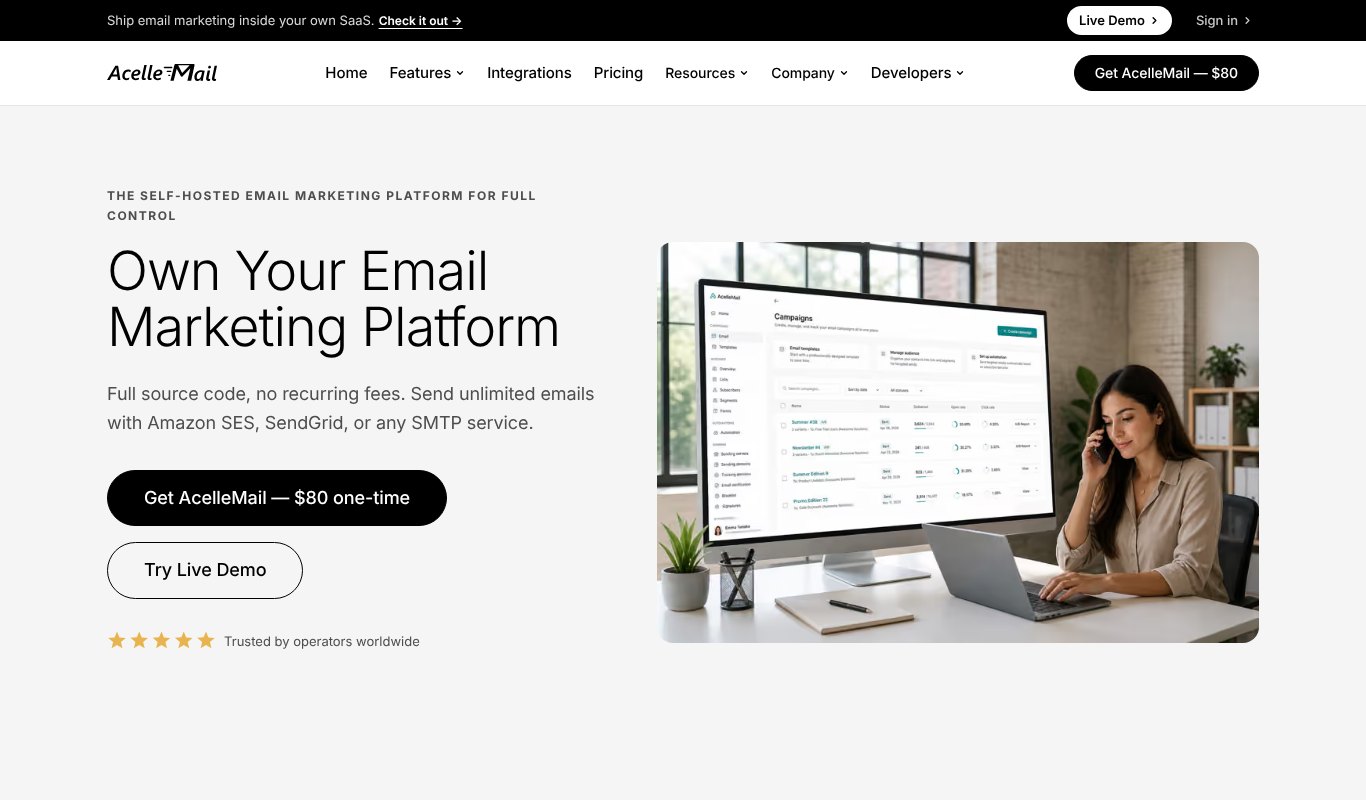
Acelle Mail gives you a modern, Mailchimp-style experience on your own server.
It comes with a drag-and-drop builder and 100+ templates, trigger-based automations, A/B testing, segments and tags. It works with Amazon SES, SendGrid and any SMTP, and it helps you set up SPF, DKIM and DMARC.
Pricing
$80 one time. An Extended license for running it as a paid service costs more.
Pros
- Modern design tools
- Strong automations
- One-time price
Cons
- Needs a VPS, not basic shared hosting
- Support and updates beyond the first period may cost extra
5. Mumara Campaigns
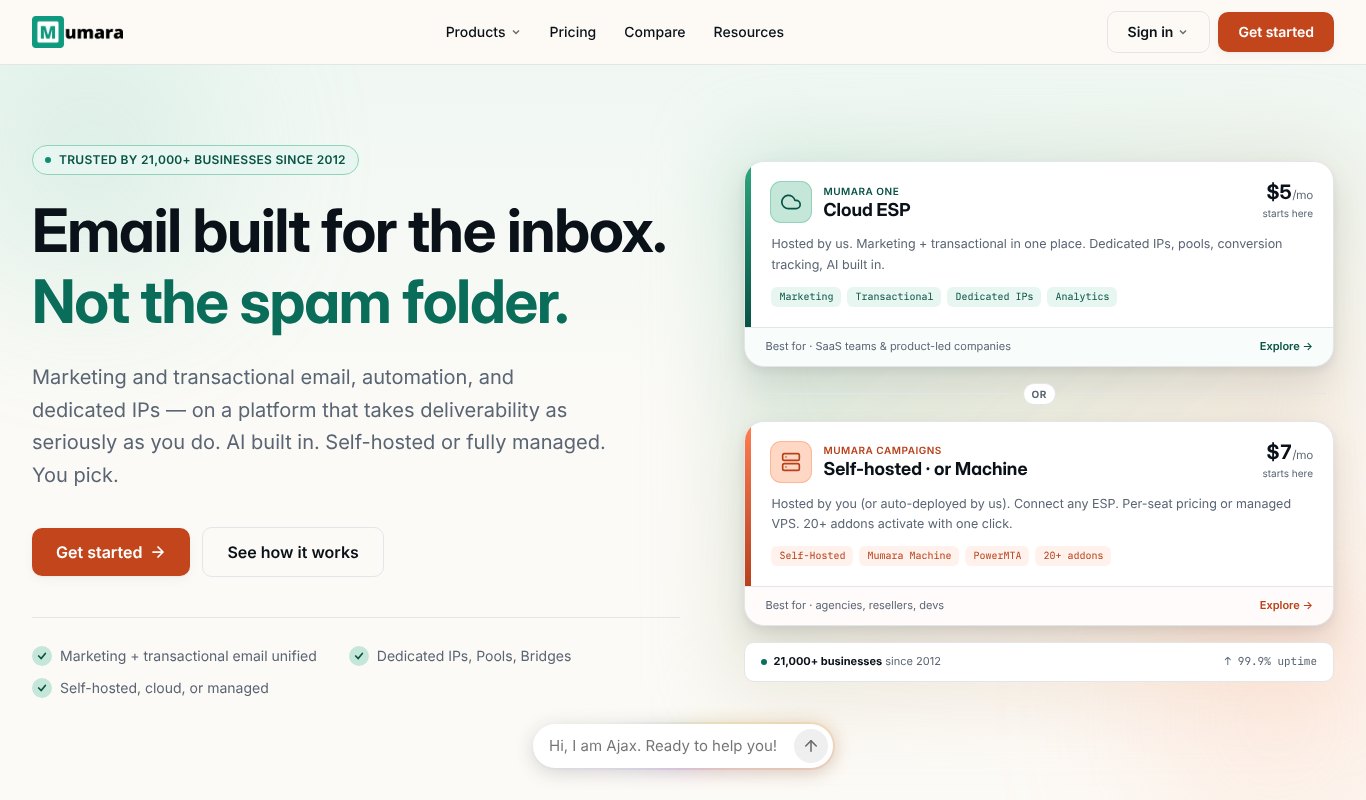
Mumara Campaigns is a self-hosted platform built for high-volume senders and agencies.
It connects to any sending service, handles bounces and blacklist checks, and has 20+ add-ons you switch on with one click. There's also Mumara AI in the editor, and lifetime updates on self-hosted plans.
Pricing
Self-hosted from $7 a month for one user. Professional, with segments, drips and triggers, is $17 a month. Annual billing saves more.
Pros
- Built for volume
- Lots of add-ons
- Good deliverability tools
Cons
- Many features sit in paid add-ons
- More than a beginner needs
6. Mautic
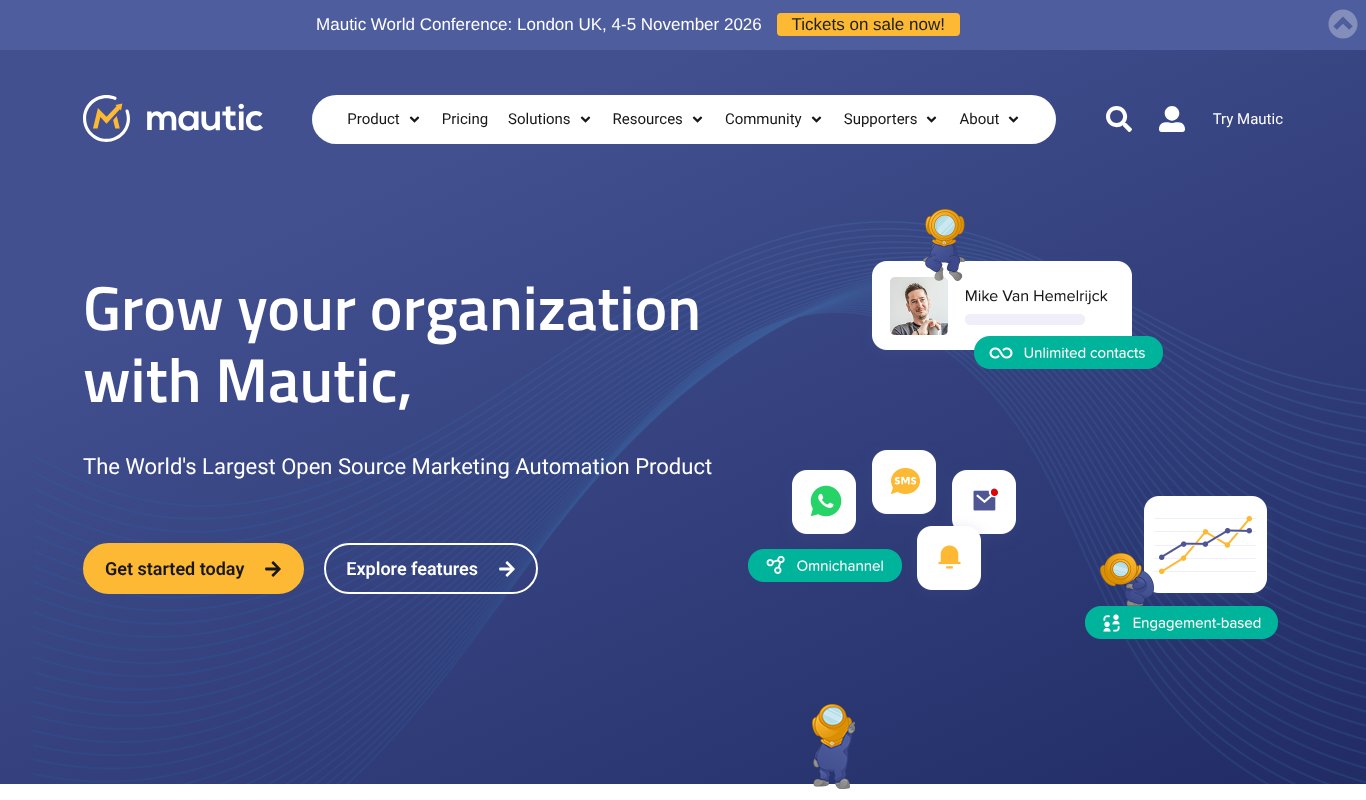
Mautic is the biggest open source marketing automation tool in the world.
It goes well beyond newsletters. You get a visual campaign builder, landing pages, lead scoring and messages by email, SMS and WhatsApp, with unlimited contacts.
Pricing
Free to self-host. You pay for your server and sending service.
Pros
- Full marketing automation for free
- Huge community
- Unlimited contacts
Cons
- Heavy for a simple newsletter
- Setup and upkeep take real effort
7. listmonk
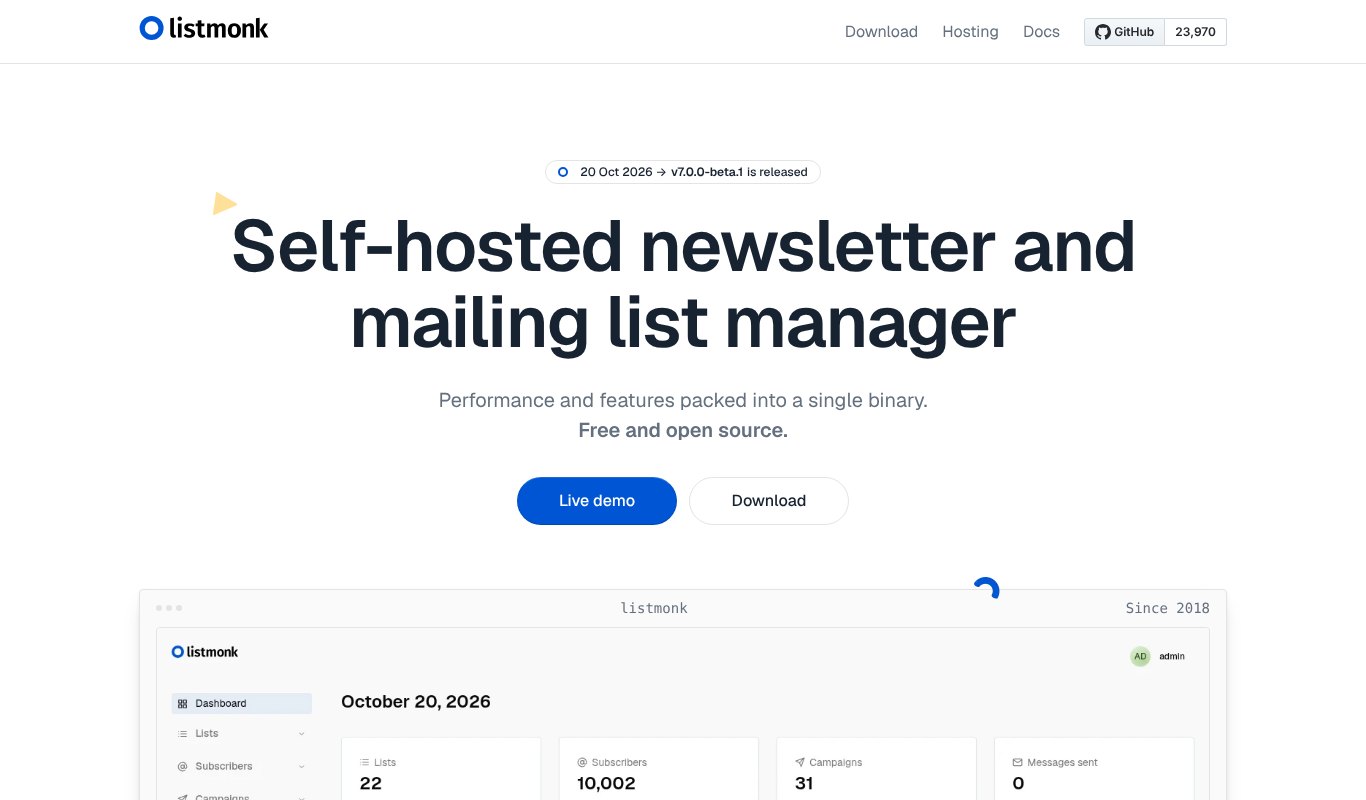
listmonk is a free, open source newsletter manager that's famous for speed.
It runs as a single small program with a PostgreSQL database, and it can send to millions of subscribers on a tiny server. You get a visual email builder, Markdown, segments, campaign analytics, multiple SMTP servers and a transactional email API.
Pricing
Free. You pay only for your server and sending.
Pros
- Very fast and light
- Handles huge lists
- Actively developed
Cons
- Needs Docker or a server setup
- No built-in AI writing
8. Keila
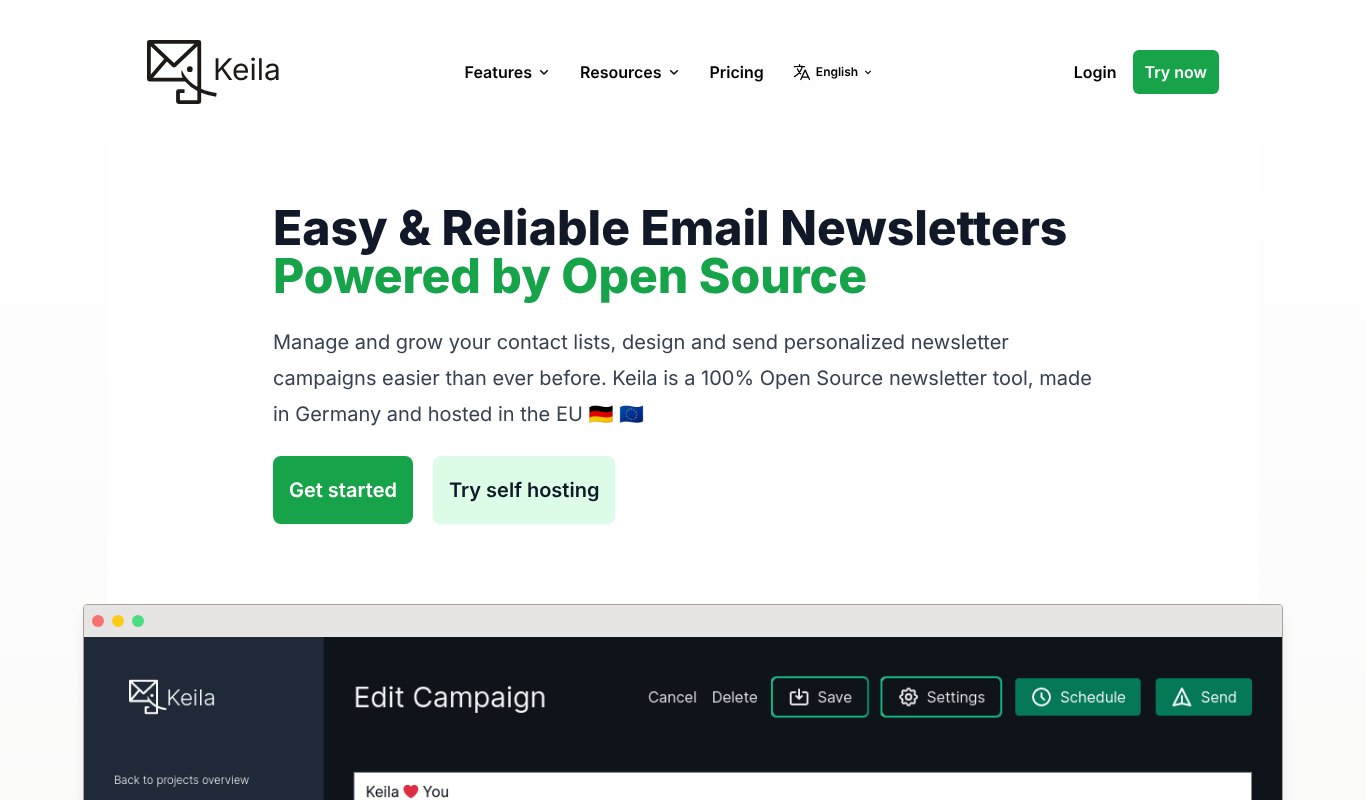
Keila is a friendly, open source newsletter tool made in Germany.
It has a visual block editor, Markdown, a form builder, segments and privacy-friendly tracking you can turn off. You can send with your own SMTP or Amazon SES.
Pricing
Free to self-host. Keila Cloud starts at €8 a month if you'd rather not run it yourself.
Pros
- Clean and easy to use
- Privacy-first
- Optional hosted version
Cons
- Fewer automations than bigger tools
- Needs Docker to self-host
9. Notifuse
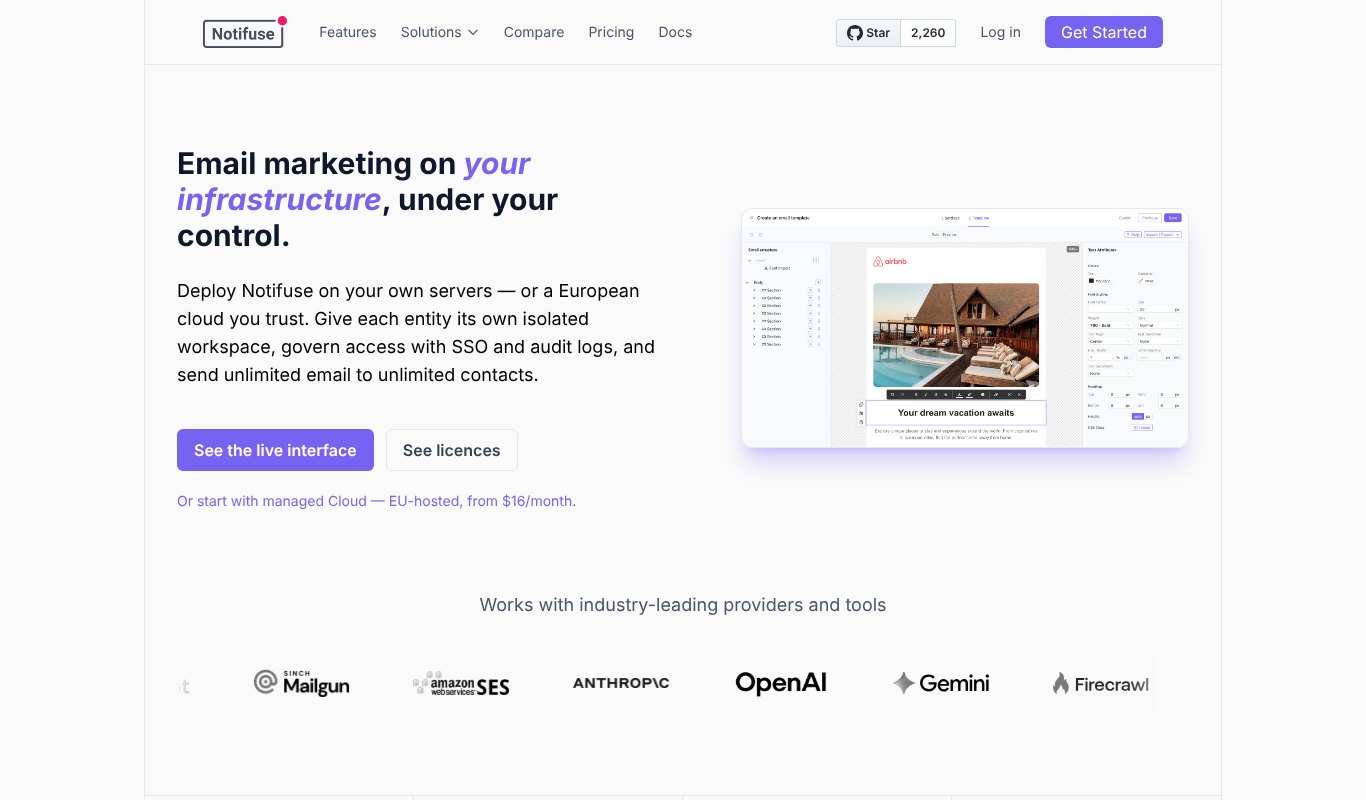
Notifuse is a newer open source platform for both newsletters and app emails.
It has a drag-and-drop editor, A/B testing, segments, automations and a transactional email API. Its AI assistant writes emails and subject lines using your own key from Anthropic, OpenAI or Gemini.
Pricing
Free to self-host, with paid licenses for extra workspaces and team features. A managed cloud starts at $16 a month.
Pros
- Modern editor and AI
- Marketing and transactional emails in one
- No per-contact fees
Cons
- Young product
- Needs a server with PostgreSQL
10. BillionMail
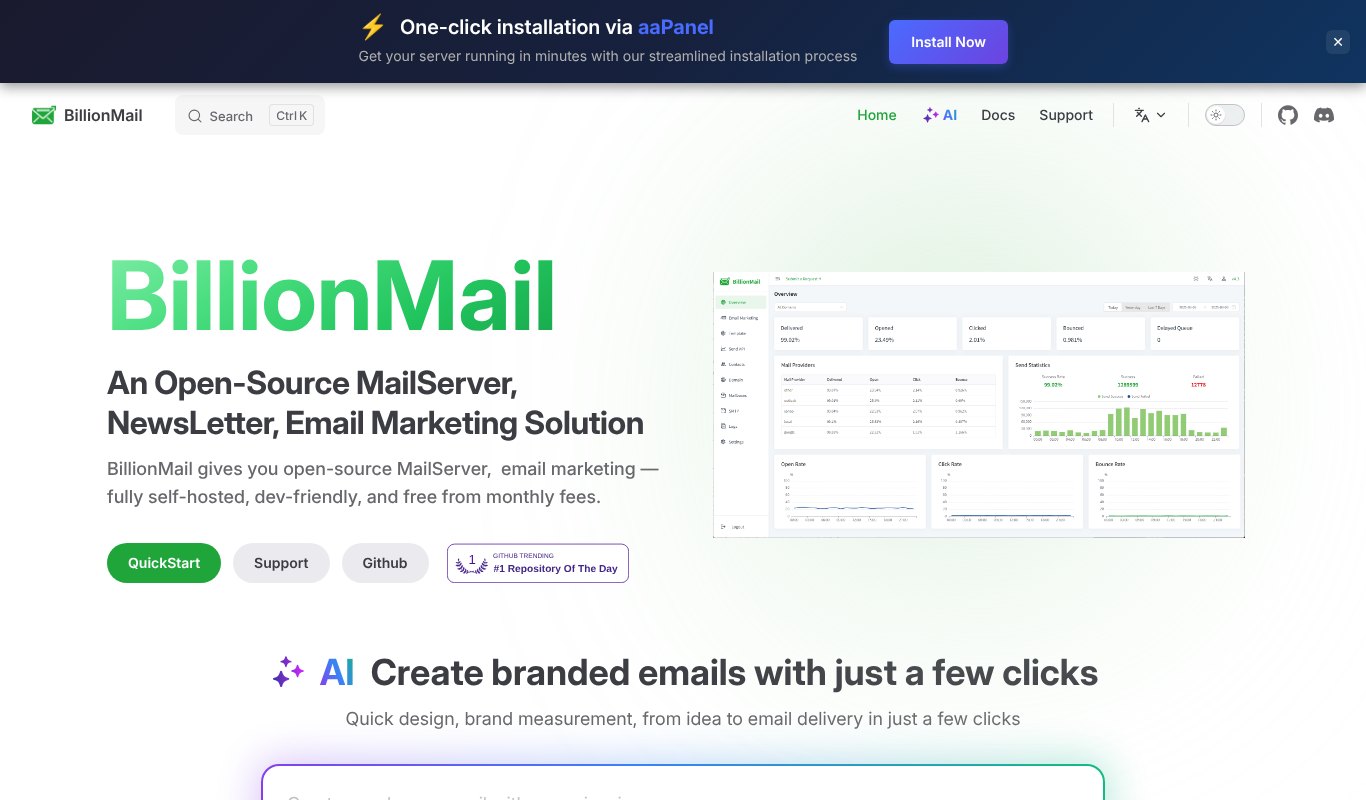
BillionMail goes one step further. It's a mail server and a newsletter platform in one.
Along with campaigns, templates, AI email creation and analytics, it installs its own email server and webmail. That means you can send without an outside sending service, if you know how to manage your own server's reputation.
Pricing
Free and open source.
Pros
- Everything in one install
- No sending fees at all
- AI email creation
Cons
- Running your own mail server is hard to get right
- New IP addresses need careful warm-up
11. Ghost
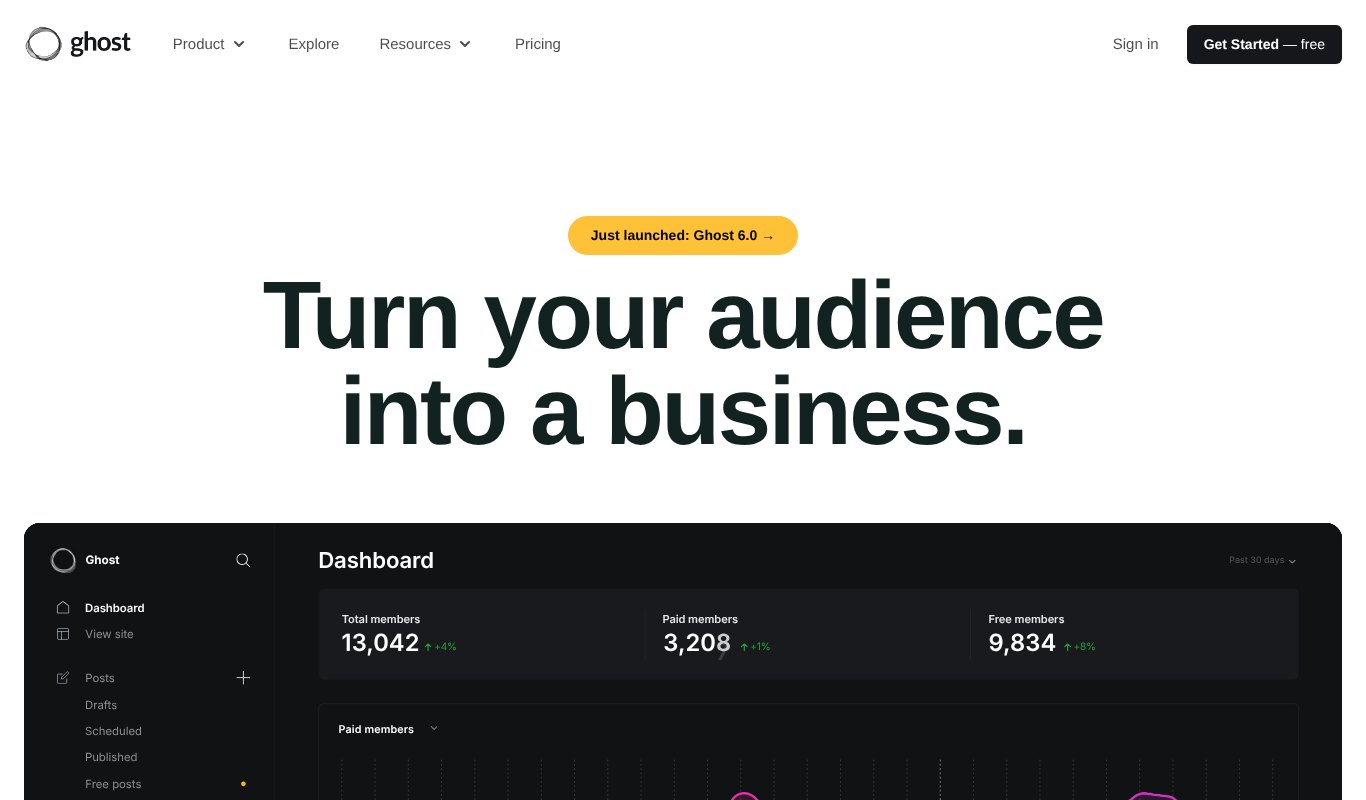
Ghost is an open source blog and newsletter platform you can host yourself.
Every post can go out as an email, and you can offer free or paid memberships. It's fast, beautiful and great for SEO, and Ghost 6 also lets people follow your site from other social apps.
Pricing
Free to self-host. Ghost's hosted plans start at $18 a month, billed yearly.
Pros
- Blog and newsletter in one
- 0% fees on paid memberships
- Beautiful design
Cons
- Fewer marketing automations
- Bulk email needs Mailgun
Price Comparison at a Glance
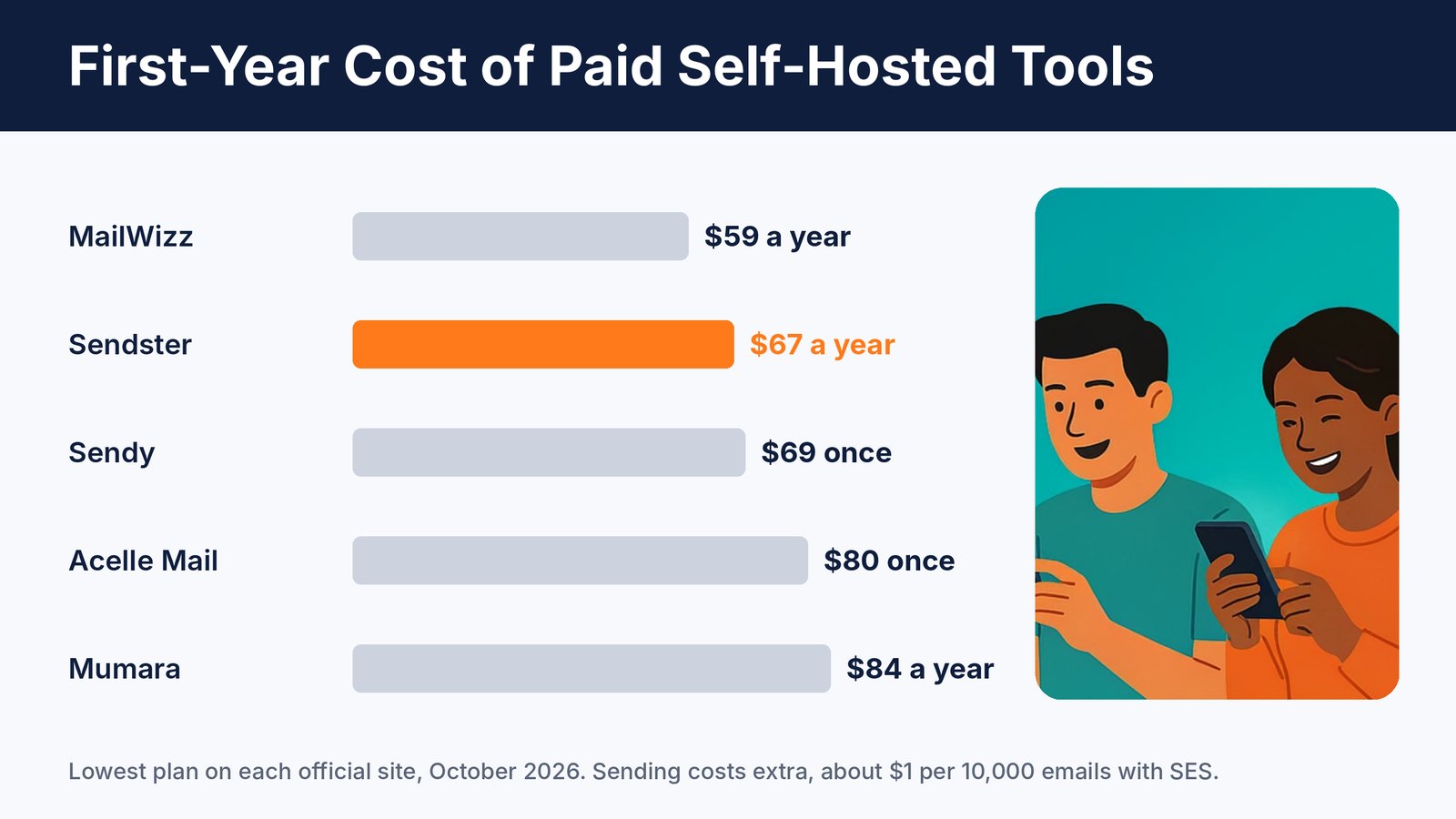
Even the paid self-hosted tools cost less for a whole year than one month on many hosted platforms.
The free open source options look cheapest, but remember your time. Setup, updates and server care add up, so a simple paid tool often wins for small businesses.
7 Tips for a Newsletter People Love

The platform gets your email out. Your content makes people open it.
- Pick one clear topic. Readers subscribe for a promise. Keep it.
- Write a great subject line. Short, specific and curious beats clever.
- Send on a schedule. Same day, same time, so readers expect you.
- Keep it short. Say one useful thing well, and link to more.
- Add one call to action. One clear next step gets more clicks than five.
- Clean your list. Remove inactive and invalid emails to protect your inbox rate.
- Reply to readers. Replies build loyalty, and they tell inbox providers your emails are wanted.
Frequently Asked Questions
What is the best Sendy alternative?
Sendster is the closest match with more built in, like an AI writer and email verification. MailWizz and Acelle Mail are good picks if you want more power, and listmonk is the best free option.
Is self-hosting hard?
Not anymore. Sendster and Sendy install on regular web hosting in minutes. Tools like listmonk, Keila and Notifuse need Docker or a small server, which takes a bit more skill.
Will my emails land in spam?
Not if you set things up right. Use a trusted sending service like Amazon SES, set up SPF, DKIM and DMARC, verify your list and only email people who signed up.
How much does it cost to send with Amazon SES?
About $1 for every 10,000 emails. A weekly newsletter to 20,000 people costs about $8 a month to send.
Final Thoughts
If your email bill keeps climbing, self-hosting is the easiest way to take control. You keep your list, and you keep your money.
Developers will love listmonk and Mautic. Power users can look at MailWizz and Acelle Mail.
And if you want the savings of self-hosting with an AI writer, email verification and easy setup built in, try Sendster.